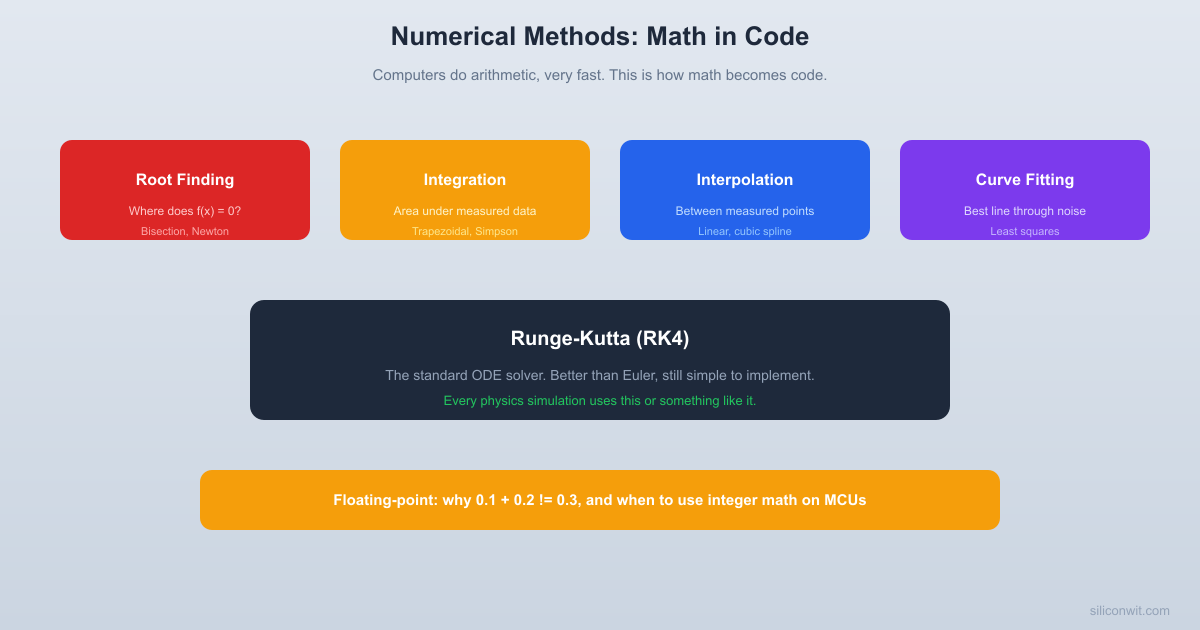
Computers do not understand limits, continuity, or infinitesimals. They understand addition, subtraction, multiplication, and division, performed on finite-precision numbers, very fast. Numerical methods are the bridge between continuous mathematics and discrete computation. Every time you call numpy.linalg.solve or scipy.integrate.odeint, a numerical method is doing the real work underneath. This lesson shows you what those methods are, how they work, and when they break. #NumericalMethods #ScientificComputing #Engineering
Where Numerical Methods Run
Numerical methods are not academic curiosities. They power the technology around you:
GPS. Your phone solves nonlinear equations to triangulate your position from satellite distances.
Weather forecasts. Supercomputers numerically integrate atmospheric equations over a 3D grid of the entire planet, millions of times per forecast.
Game physics. Every bouncing ball, ragdoll animation, and vehicle collision in a video game uses an ODE solver (often RK4 or a variant).
Structural engineering. Finite element analysis breaks a bridge or building into thousands of tiny elements, each governed by equations solved numerically.
Machine learning. Gradient descent, the algorithm that trains neural networks, is essentially Newton’s method applied to a loss function.
Root Finding: Where Does f(x) = 0?
Many engineering problems reduce to finding where a function crosses zero. At what temperature does a material reach its yield stress? At what frequency does a circuit’s gain equal 1? At what angle does a projectile land at a specific distance? These are all root-finding problems.
Bisection Method: Slow but Bulletproof
The bisection method is the simplest root-finding algorithm. It works like a guessing game:
Start with an interval where and have opposite signs (so a root exists between them)
Evaluate at the midpoint
If is close enough to zero, you are done
If and have opposite signs, the root is in ; otherwise it is in
Repeat with the smaller interval
Each step cuts the interval in half. After steps, the interval is of the original. To get 10 decimal places of accuracy, you need about 34 steps (since ). This is not fast, but it always works.
import numpy as np
defbisection(f, a, b, tol=1e-10, max_iter=100):
"""Find root of f in [a, b] using bisection."""
iff(a) *f(b) >0:
raiseValueError("f(a) and f(b) must have opposite signs")
Newton’s method uses the derivative to make smarter guesses. At each step, it approximates the function by its tangent line and finds where that line crosses zero:
When it works, it converges quadratically: each step roughly doubles the number of correct digits. Where bisection needs 34 steps for 10 digits, Newton’s method typically needs 5 or 6. Your calculator’s square root button uses Newton’s method internally, iterating until convergence.
But Newton’s method can fail. If the derivative is near zero, the step is enormous and the method shoots off to infinity. If the function is not smooth, it can cycle or diverge. And you need the derivative, which is not always available.
import numpy as np
defnewton(f, df, x0, tol=1e-10, max_iter=50):
"""Find root using Newton's method."""
x = x0
history =[x]
for i inrange(max_iter):
fx =f(x)
dfx =df(x)
ifabs(dfx) <1e-15:
print("Warning: derivative near zero")
break
x = x - fx / dfx
history.append(x)
ifabs(fx) < tol:
return x, i +1, history
return x, max_iter, history
# Same example: x^3 - 2x - 5 = 0
f =lambdax: x**3-2*x -5
df =lambdax: 3*x**2-2
root_n, iters_n, hist =newton(f, df,x0=2.0)
print(f"Newton root: {root_n:.10f}")
print(f"Iterations: {iters_n}")
print(f"Convergence history: {[f'{x:.8f}'for x in hist]}")
Choosing Between Bisection and Newton
Property
Bisection
Newton
Speed
Slow (linear)
Fast (quadratic)
Reliability
Always converges
Can diverge
Requirements
needed
Best use
Safety-critical, unknown functions
Well-behaved functions, speed needed
A practical strategy: start with a few bisection steps to get close to the root, then switch to Newton’s method for final precision.
Numerical Integration: Computing Area Under Measured Data
When you have a formula, you might find the antiderivative and integrate exactly. When you have measured data (sensor readings, experimental results), you integrate numerically.
Trapezoidal Rule
Approximate the curve between consecutive points as straight lines and add up the trapezoid areas:
f(x)  |    .  |   /|\  |  / | \      .  | /  |  \    /|  |/   |   \  / |  +----+----+/--+--- x  a         c    b
  Each trapezoid: area = (left height + right height) / 2 * width
Simpson’s Rule: Better for Smooth Functions
Instead of straight lines between points, Simpson’s rule fits parabolas through groups of three points:
Simpson’s rule is exact for polynomials up to degree 3, while the trapezoidal rule is exact only for degree 1. For smooth functions, Simpson’s rule converges much faster.
Notice how Simpson’s error drops much faster than the trapezoidal error as increases. With just 16 intervals, Simpson’s rule gives 8 digits of accuracy for this function.
Interpolation: Estimating Between Measured Points
You have calibration data at specific points but need values between them. Interpolation fills in the gaps.
Linear Interpolation
The simplest approach: connect adjacent points with straight lines. Between points and :
This is fast and adequate when data points are close together. It introduces slope discontinuities at the data points, which can cause problems if you need to differentiate the interpolated function.
Cubic Spline Interpolation
Fit a separate cubic polynomial between each pair of points, with the constraint that the function, its first derivative, and its second derivative are all continuous at the data points. The result is a smooth curve that passes through every data point.
import numpy as np
import matplotlib.pyplot as plt
from scipy.interpolate import CubicSpline
# Calibration data: thermistor resistance vs temperature
print(f"Resistance at 35 C (linear): {np.interp(35, temp_cal, res_cal):.0f} ohms")
print(f"Resistance at 35 C (spline): {cs(35):.0f} ohms")
Curve Fitting: Finding the Best Line Through Noisy Data
Interpolation passes through every data point. Curve fitting finds the best smooth curve that approximates noisy data, without trying to hit every point exactly.
Least Squares: The Workhorse
Given a model with parameters , find the parameters that minimize the sum of squared residuals:
If you have ever used Excel’s LINEST function or added a trendline to a chart, you have used least squares fitting. It is the same algorithm.
For a linear model , the least squares solution has a closed form:
Python: Linear and Nonlinear Curve Fitting
import numpy as np
import matplotlib.pyplot as plt
from scipy.optimize import curve_fit
# Generate noisy data from a known model: y = 2.5 * exp(-0.3 * x) + 0.5
Euler’s method is simple but inaccurate. The fourth-order Runge-Kutta method (RK4) is the workhorse of ODE solving: it evaluates the derivative four times per step to get a much better estimate of where the solution goes next.
For :
The four values sample the slope at the beginning, twice at the midpoint (using different estimates), and at the end. The weighted average gives fourth-order accuracy: halving the step size reduces error by a factor of 16.
plt.title('ODE Solvers: Euler vs RK4 (same step size)')
plt.legend()
plt.grid(True,alpha=0.3)
plt.tight_layout()
plt.show()
Notice that with the same step size, RK4 tracks the exact solution closely while Euler drifts. RK4 does four function evaluations per step, but you can use a step size roughly 10 times larger for the same accuracy, making it faster overall.
Floating-Point Gotchas
Computers represent real numbers in floating point, which has finite precision. This creates subtle but important pitfalls.
Why 0.1 + 0.2 Is Not 0.3
The number 0.1 has no exact representation in binary floating point, just as 1/3 has no exact representation in decimal. The computer stores the closest representable value:
Subtracting two nearly equal numbers destroys precision. If and , the difference has only 1 significant digit, even though and each had 10.
This is why numerical differentiation () cannot use arbitrarily small . Too large and the approximation is poor. Too small and cancellation destroys the result. There is an optimal , where is machine epsilon for 64-bit floats.
When Integer Math Is Better on MCUs
On a microcontroller without a floating-point unit, floating-point operations are emulated in software and can be 10 to 100 times slower than integer operations. For real-time control loops and sensor processing, fixed-point arithmetic (scaled integers) is often the right choice:
# Floating-point temperature calculation
temperature_float = adc_reading *3.3/4096*100# in degrees C
The fixed-point version uses only integer multiplication and division, runs on any processor without a floating-point unit, and introduces no rounding error beyond the final truncation.
Exercises
Root finding. Use both bisection and Newton’s method to find the root of (the point where intersects ). Compare the number of iterations each method requires for 10-digit accuracy.
Integration accuracy. Integrate using the trapezoidal rule and Simpson’s rule with . Plot the error vs. on a log-log scale. What is the convergence rate of each method?
Interpolation vs. curve fitting. Generate 20 noisy data points from on . Compare cubic spline interpolation (passes through all points) with a least squares fit to . Which gives a better approximation of the true function at points between the data?
RK4 vs. Euler. Solve the pendulum equation (note: , not ) with initial angle radians using both Euler and RK4. Use step sizes . Which method conserves energy better?
Floating-point experiment. Write a program that computes in 32-bit and 64-bit floating point. What answers do you get? Explain why.
References
Press, W. H. et al. (2007). Numerical Recipes: The Art of Scientific Computing. Cambridge University Press. The standard reference.
Burden, R. L. and Faires, J. D. (2010). Numerical Analysis. Cengage.



Comments